WatchSaver Screensaver App
A downloadable tool for Windows and Android
A screensaver for testing and feedback.
Download
Install instructions
Welcome
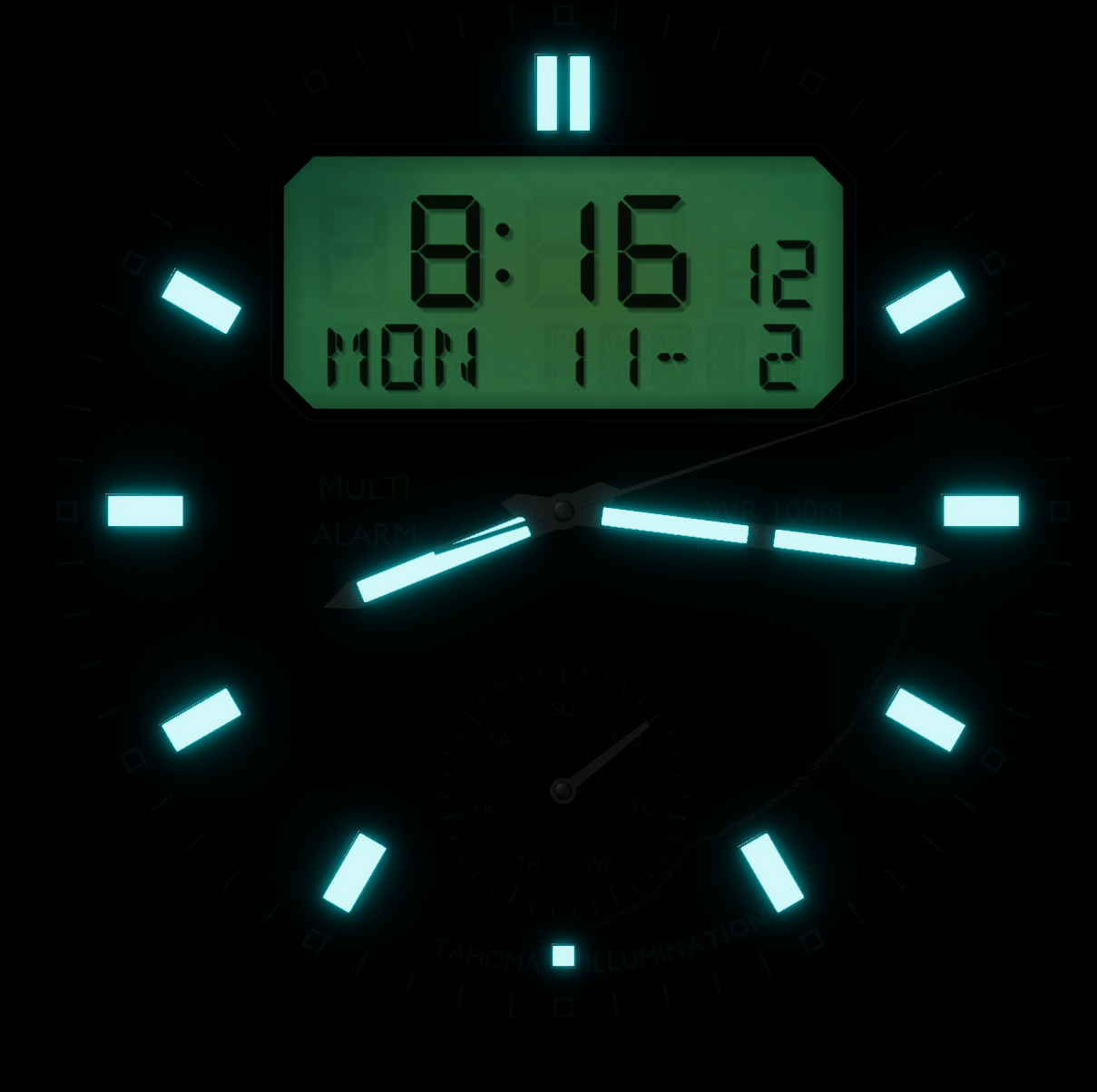
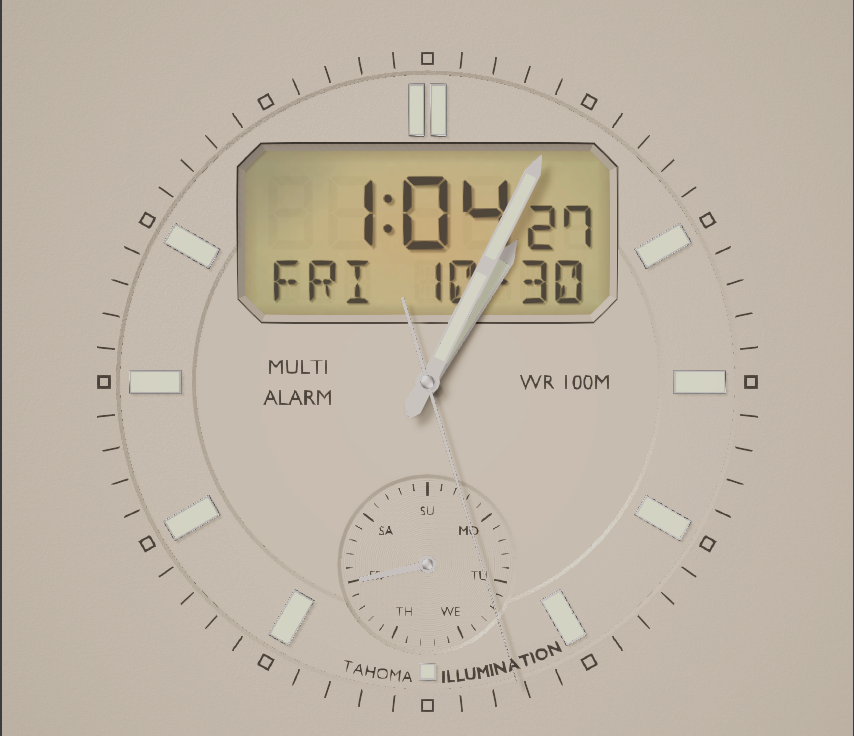
Thanks for trying WatchSaver, a Windows screensaver of animated watch faces from Tahoma Designs.
I'm looking for two things: anything that breaks or behaves oddly, and your honest opinion of how it looks and feels. Rough notes are perfect, just let me know in the comments.
Getting Started:
You need a 64-bit Windows 10 or 11 PC and the installer file, WatchSaver-Setup-1.0.1.exe.
WatchSaver isn't code-signed yet, so Windows shows a blue "Windows protected your PC" screen when you run the installer. This is expected for small independent apps:
- Click More info.
- Click Run anyway.
Windows then asks for permission to make changes, because the installer adds the screensaver to the Windows folder. Click Yes.
Install
- Run the installer and click through the pages.
- On the options page:
- Make WatchSaver my screensaver is ticked. Leave it ticked to switch to WatchSaver now.
- Add a WatchSaver Settings shortcut to the desktop is optional.
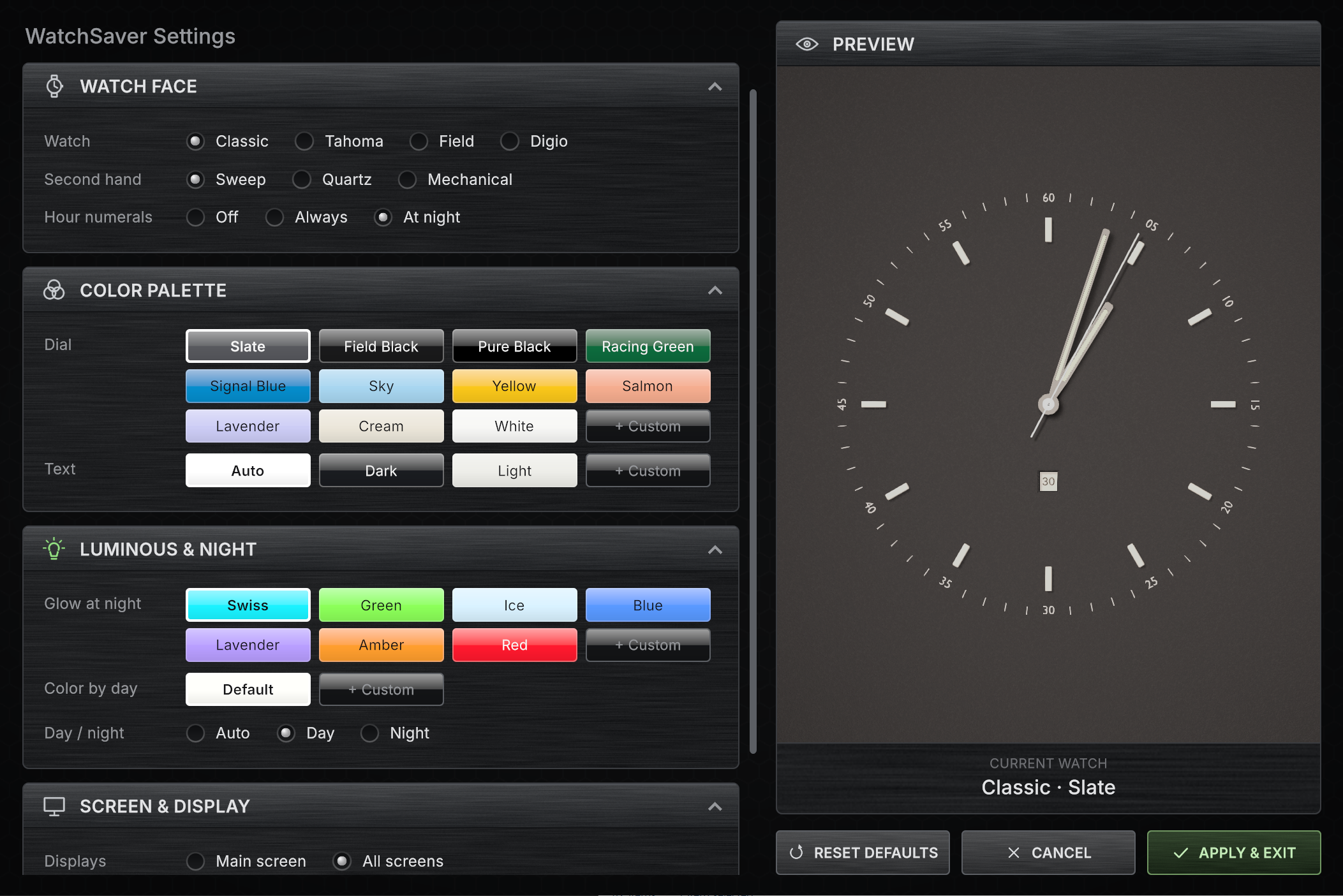
- On the last page you can tick Open WatchSaver Settings now to jump straight in.
If you already have a favorite screensaver, it isn't removed. You can switch back any time in Windows' Screen Saver Settings.
Uninstall
Open Windows Settings → Apps, find WatchSaver, and choose Uninstall. This removes the program and its Windows-folder file. If WatchSaver was your active screensaver, the screensaver is turned off, and you can pick another one in Screen Saver Settings.
Your WatchSaver choices are kept, so they come back if you reinstall.

Leave a comment
Log in with itch.io to leave a comment.